
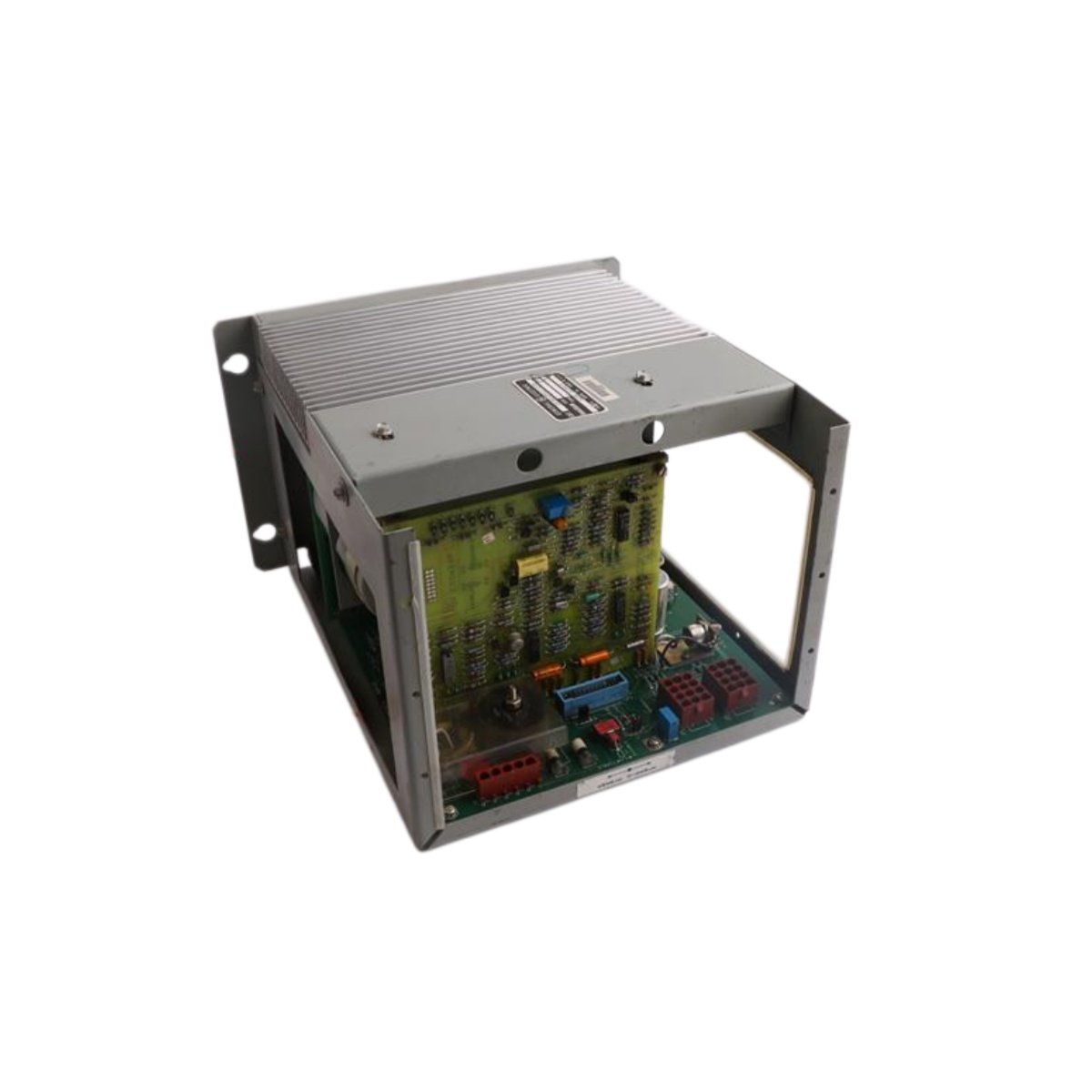
Speedtronic Series Operator Interface Panel
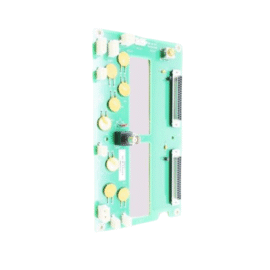
The DS3820LT4A1C1A functions as a control panel within the GE Speedtronic turbine control system. This panel provides operators with local monitoring and control capabilities. It includes both display and input devices for interactive operation. The unit also integrates seamlessly with the main control system.
Key Technical Specifications
| Parameter | Specification |
|---|---|
| Brand | GE |
| Model | DS3820LT4A1C1A |
| Category | Control Panel |
| System Compatibility | Speedtronic Series |
| Display Type | Features an LCD graphical display |
| Display Size | Measures 5.7 inches diagonally |
| Display Resolution | Provides 320 x 240 pixel resolution |
| Input Devices | Includes a keypad with 20 buttons |
| Function Keys | Offers 8 programmable function keys |
| Communication | Supports RS-485 and RS-232 interfaces |
| Indicators | Includes POWER, COMM, and ALARM LEDs |
| Power Supply | Draws +24 Vdc at 500 mA |
| Operating Temperature | Functions from 0°C to +55°C |
| Storage Temperature | Withstands -20°C to +70°C |
| Dimensions | Measures 210.0 mm x 150.0 mm x 50.0 mm |
| Weight | Weighs approximately 1.2 kg |
| Mounting | Supports panel-mount or desktop installation |
| Enclosure Rating | Offers IP54 front panel protection |
| Material | Constructed from polycarbonate housing |
| Compliance | Meets CE, UL, and CSA standards |
Operator Interface and Control
This control panel provides a clear LCD display for system status information. It also offers a tactile keypad for parameter adjustments and command entry. The unit’s programmable function keys allow quick access to frequently used operations. Moreover, the panel communicates with the main controller via RS-485 or RS-232 links. The front panel design provides protection against dust and moisture ingress.
Installation and Configuration
First, mount the DS3820LT4A1C1A securely in the desired location. Ensure adequate clearance for cable connections and ventilation. Next, connect the communication and power cables to the appropriate ports. After that, apply power and verify the display initializes correctly. You can then configure the panel settings through the setup menu.
Maintenance and Operational Reliability
This panel requires minimal maintenance in normal industrial environments. However, you should periodically clean the display screen with a soft cloth. We recommend you check the communication status LED during routine inspections. You should also verify the keypad response for any worn buttons.
Details
| Weight | 1.2 kg |
|---|---|
| Dimensions | 210 × 150 × 50 mm |
Reviews
There are no reviews yet.