
Why This Terminal Board Organizes Your Drive Signals
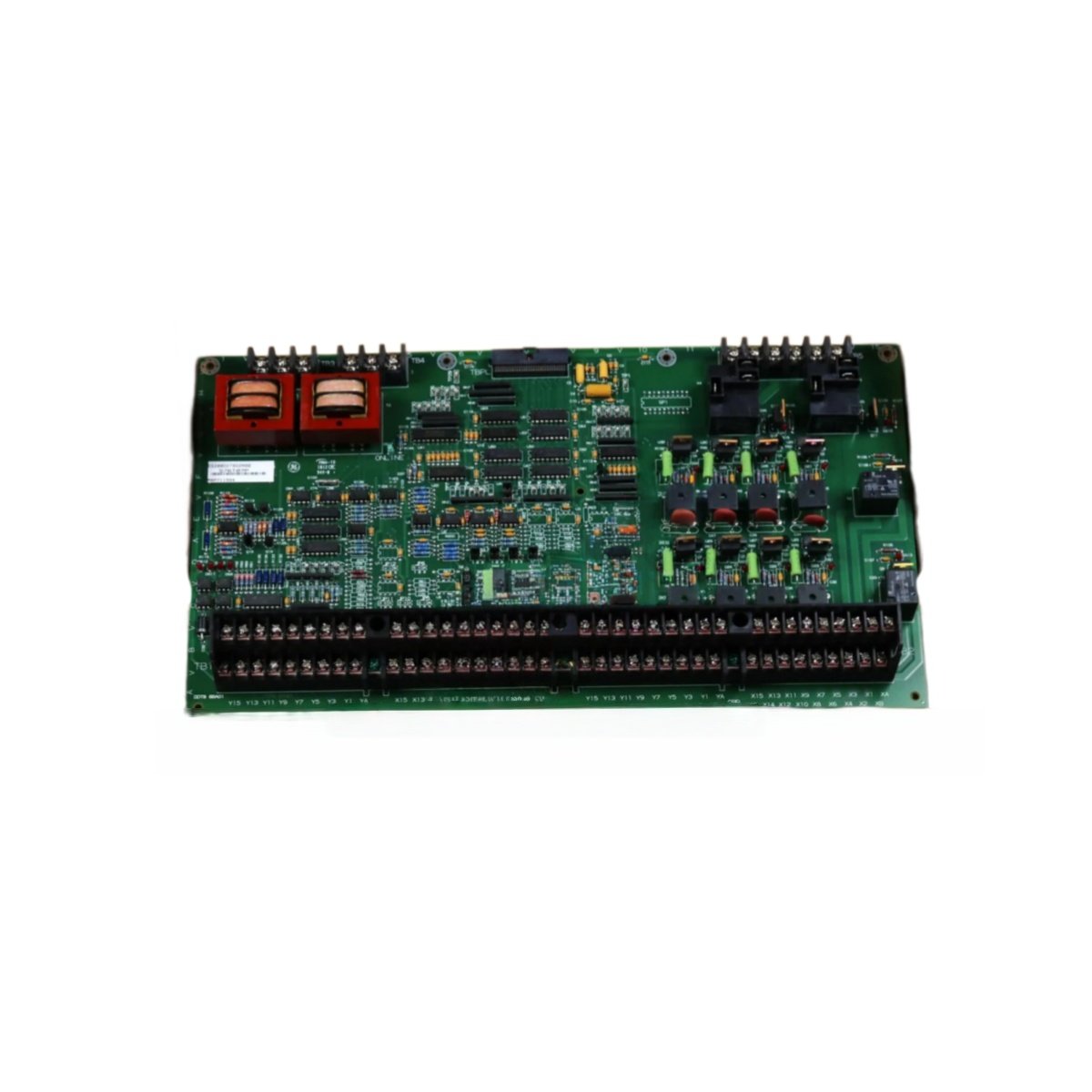
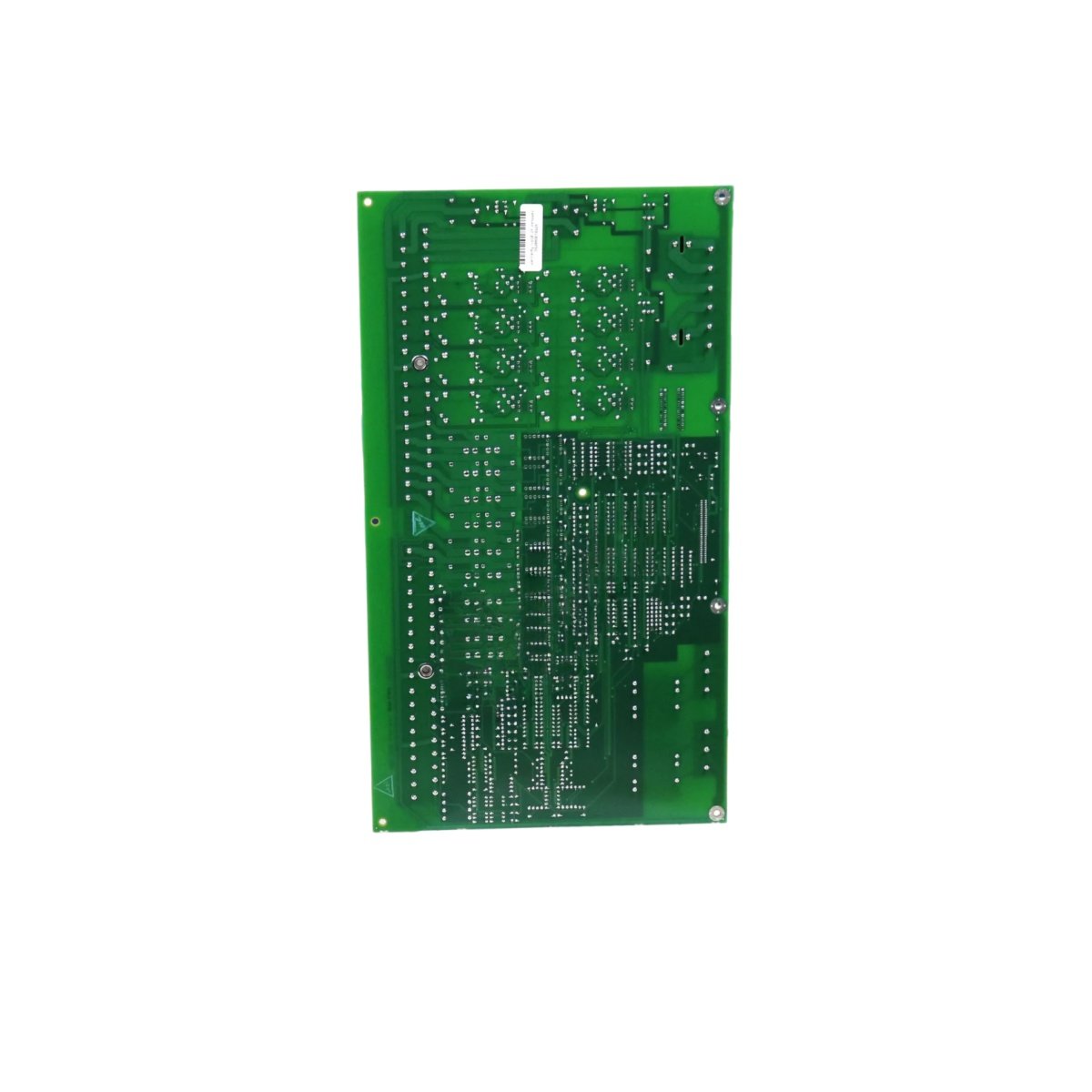
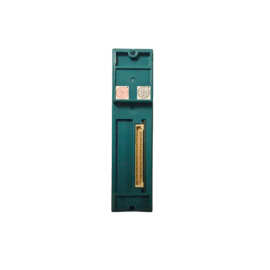
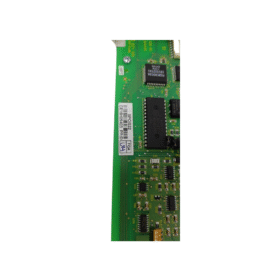
This auxiliary terminal board provides convenient connection points for field wiring. You get a well-organized GE DS200DDTBG2A for industrial drive systems. It interfaces with the main control board via ribbon cables. Therefore, your cabinet maintains clean wiring without clutter.
Technical Specifications and Physical Details
The GE DS200DDTBG2A features sixty screw terminal positions for signal connections. It includes pre-printed labels for each terminal function. This board mounts vertically inside the drive cabinet. Its dimensions measure approximately 350 mm in width and 150 mm in height. The unit weighs around 0.50 kg for straightforward installation. This terminal board stores no electrical energy whatsoever. Instead, it serves as a passive distribution point for control signals. Consequently, you need no batteries or capacitors for this component.
Below is the detailed breakdown of the hardware specifications.
| Parameter | Specification |
|---|---|
| Product Model | DS200DDTBG2A |
| Product Type | Auxiliary I/O Terminal Board |
| Brand | GE (General Electric) |
| Number of Terminals | 60 screw positions |
| Terminal Type | Screw clamp |
| Interface | Ribbon cable to control board |
| Labeling | Pre-printed function labels |
| Mounting Type | Vertical cabinet mount |
| Dimensions (W x H) | Approx. 350 x 150 mm |
| Approx. Weight | 0.50 kg |
| Energy Storage | None (passive distribution) |
| Component Count | Single populated PCB |
Installation and Wiring Notes
This board mounts onto standoffs inside the drive cabinet. You must connect the ribbon cables in the correct orientation. The GE DS200DDTBG2A accepts wire sizes from 0.2 to 2.5 mm². Therefore, strip each wire to 8 mm before inserting into the terminal. Always use ferrules on stranded wires for reliable connections. Loose strands will cause intermittent signals and hard-to-find faults.
Details
| Weight | 0.1 kg |
|---|---|
| Dimensions | 25 × 108 × 127 mm |
Reviews
There are no reviews yet.