
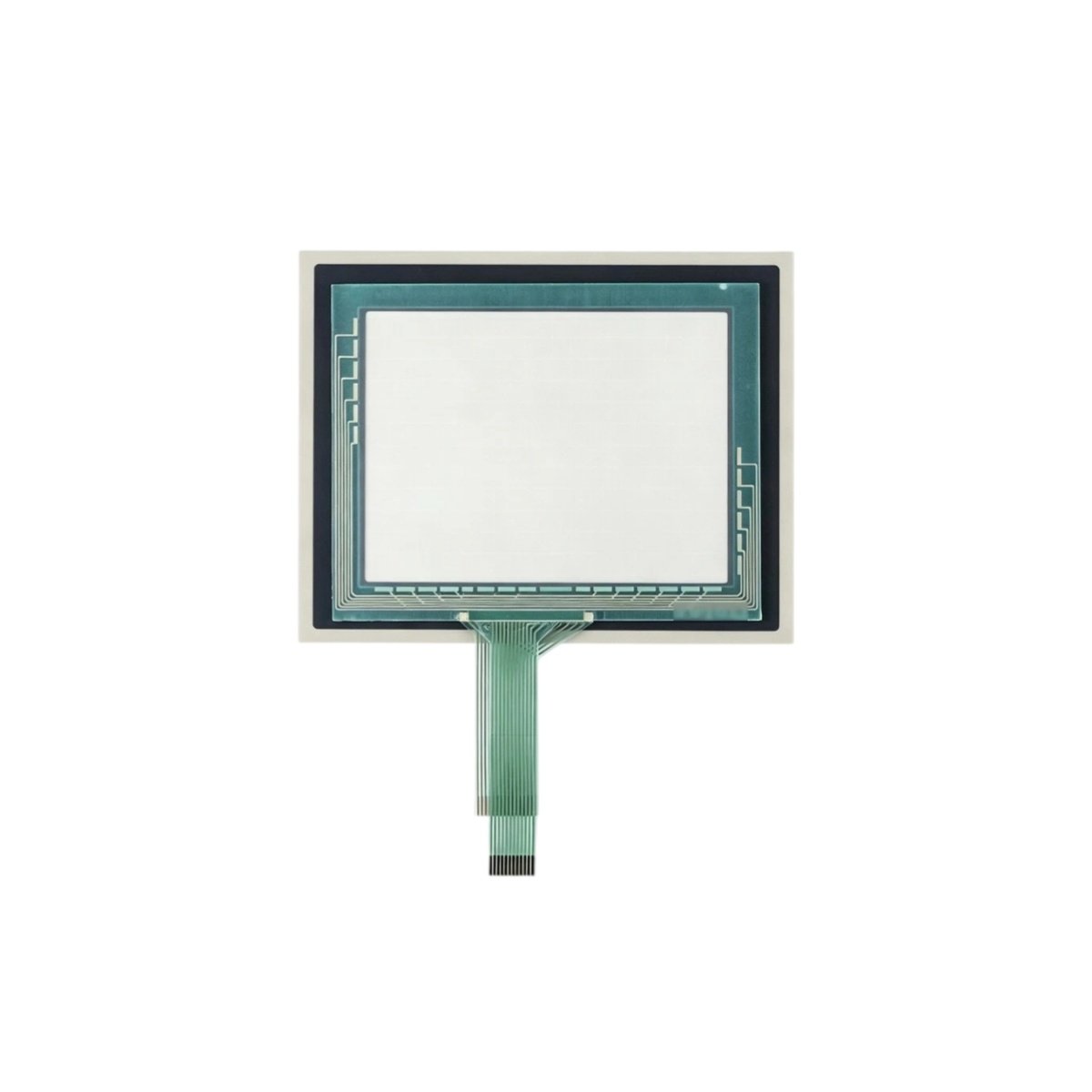
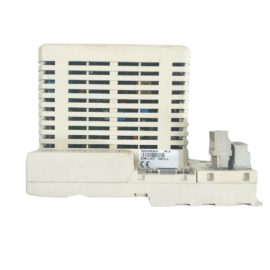
The CQPK3D200L2P-A QuickPanel HMI from GE Fanuc gives operators local control and clear status feedback on industrial machines. Plant engineers install this panel wherever staff need fast command entry and readable process data. Consequently, it bridges the control cabinet and the plant floor through an intuitive touch interface.
Key Technical Specifications
The table below summarizes the main physical and electrical parameters of the CQPK3D200L2P-A panel.
| Parameter | Specification |
|---|---|
| Product Type | QuickPanel HMI |
| Compatibility | GE Fanuc control and automation systems |
| Dimensions | Approximately 280 mm x 210 mm x 60 mm |
| Weight | Approximately 1.8 kg (4.0 lbs) |
| Mounting | Panel cutout with retaining clips |
| Interface | Serial and network communication ports |
| Connectors | Multi-pin communication port and power terminal |
| Component Count | Display unit, touch panel, controller board, and driver circuits |
| Energy Storage | On-board capacitors for display and memory backup |
| Display Size | Compact color touchscreen |
| Operating Temperature | 0 degrees C to 50 degrees C |
| Storage Temperature | -20 degrees C to 60 degrees C |
| Humidity | 5% to 95% non-condensing |
Functional Overview
This panel displays process values, alarms, and machine status through a color touchscreen. Therefore, operators can monitor equipment and issue commands without opening the cabinet. The CQPK3D200L2P-A also exchanges data with the host controller over serial or network links. Meanwhile, its onboard energy storage preserves screen settings during brief power dips.
Installation and Handling Notes
Always verify panel cutout dimensions before mounting the CQPK3D200L2P-A into an enclosure door. In addition, route communication cable away from high-voltage wiring to reduce interference. Tighten retaining clips evenly to protect the front bezel. Finally, confirm touch calibration after installation.
Details
| Weight | 0.15 kg |
|---|---|
| Dimensions | 110 × 72 × 38 mm |
Reviews
There are no reviews yet.