
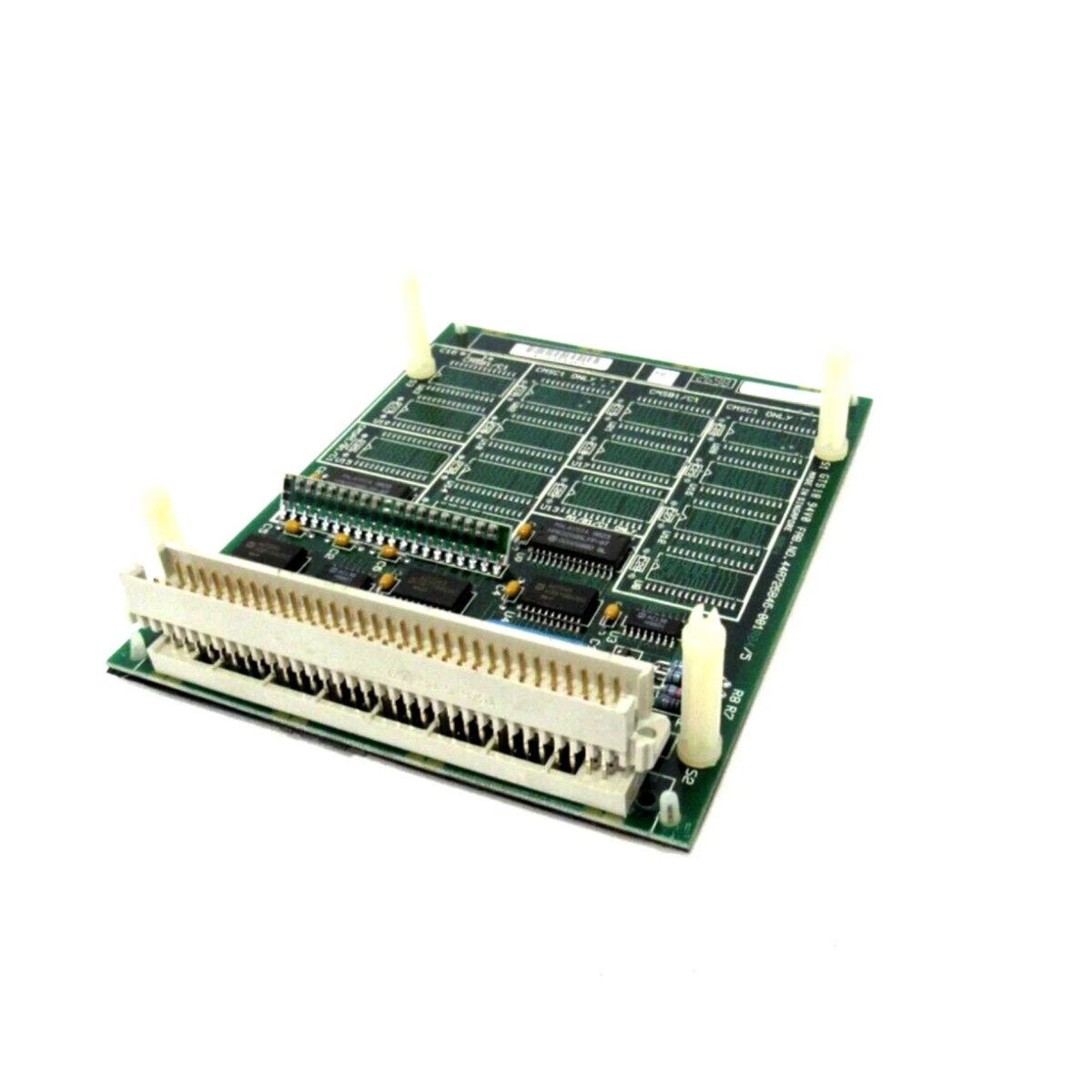
GE Fanuc IC697MEM713 Coprocessor Module Overview
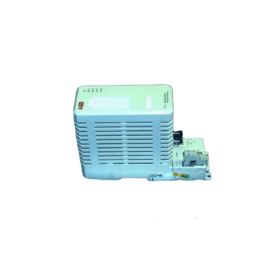
The GE Fanuc IC697MEM713 is a high-performance coprocessor module designed for Series 90-70 PLCs. It enhances computing power and communication capabilities, enabling real-time data processing and advanced control tasks. This module supports MegaBasic programming, making it ideal for automation projects requiring precise logic and custom calculations.
Key Features
- Programmable coprocessor for Series 90-70 PLCs
- Two serial ports supporting RS-422/RS-485 or RS-232 connections
- Easy programming with MegaBasic language
- Three LED indicators for power, operation, and diagnostics
- Physical reset button for RUN and PROGRAM mode switching
- Compatible with VME standard (C.1)
Technical Specifications
| Parameter | Specification |
|---|---|
| Brand | GE Fanuc |
| Series | Series 90-70 |
| Model | IC697MEM713 |
| Module Type | Programmable Coprocessor Module |
| Serial Ports | 2 (RS-422/RS-485 or RS-232) |
| Programming Language | MegaBasic |
| Current Required (5V bus) | 1.0 A |
| Status LEDs | 3 |
| Compatibility | VME Standard (C.1) |
| Configuration Tool | IC647/IC640 computer or IBM PC |
| Error Checking | CPU Checksum Routine |
| Modes | RUN Mode, PROGRAM DEVELOPMENT Mode |
| Reset Control | Physical Pushbutton |
Package Includes
- One (1) GE Fanuc IC697MEM713 module
- User manual and installation guide
Easy Installation
Install the module directly into a Series 90-70 rack. Connect your serial devices and switch modes using the physical reset button. Programming is done via MegaBasic, ensuring seamless integration with your automation system.
Ideal Applications
This IC697MEM713 module suits:
- Data acquisition and storage
- Custom communication protocols
- Complex mathematical computations
- Real-time industrial process control
Frequently Asked Questions
Q: What is MegaBasic?
A: MegaBasic is a robust programming language designed for real-time data handling and automation control.
Q: How do I reset the module?
A: Press the reset button briefly (<5s) for a soft reset in RUN mode, or hold it >10s to enter PROGRAM mode.
Q: What do the LED indicators display?
A: The LEDs indicate power status, operational state, and diagnostic activity.
Q: Which devices can connect to the serial ports?
A: Barcode scanners, printers, HMIs, and other RS-232/RS-422/RS-485 devices are supported.
Q: Do I need special software for configuration?
A: Yes, configuration requires an IC647/IC640 computer or a compatible PC.
Origin, Dimensions, and Weight
- Origin: USA
- Dimensions: 120 mm × 90 mm × 25 mm
- Weight: 0.45 kg
Details
| Weight | 0.45 kg |
|---|---|
| Dimensions | 120 × 90 × 25 mm |
Reviews
There are no reviews yet.